


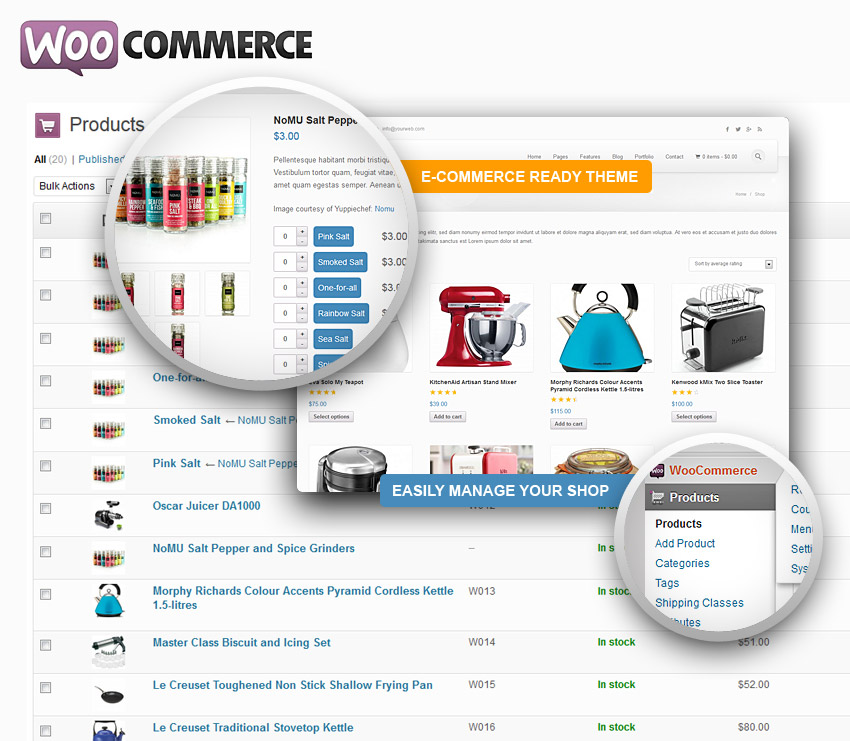
워드 프레스 홈페이지 우커머스 2.1에서 또 많은 부분이 바뀌었습니다.
이전 버젼에서는 /plugins/woocommerce/woocommerce-template.php 에 있었던 function이 이번에는
/www/wp-content/plugins/woocommerce/includes/wc-template-functions.php로 바뀌었습니다.
if ( ! function_exists( ‘woocommerce_output_related_products’ ) ) {
/**
* Output the related products.
*
* @access public
* @subpackage Product
* @return void
*/
function woocommerce_output_related_products() {
$args = array(
‘posts_per_page’ => 2,
‘columns’ => 2,
‘orderby’ => ‘rand’
);
woocommerce_related_products( apply_filters( ‘woocommerce_output_related_products_args’, $args ) );
}
}
/* 우커머스 2.1 버젼에서는 관련 상품 갯수 지정이 변경되었다. 따라서 아래와 같이 수정한다. */
if ( ! function_exists( ‘woocommerce_related_products’ ) ) {
/**
* Output the related products.
*
* @access public
* @param array Provided arguments
* @param bool Columns argument for backwards compat
* @param bool Order by argument for backwards compat
* @return void
*/
function woocommerce_related_products( $args = array(), $columns = false, $orderby = false ) {
if ( ! is_array( $args ) ) {
_deprecated_argument( __FUNCTION__, ‘2.1’, __( ‘Use $args argument as an array instead. Deprecated argument will be removed in WC 2.2.’, ‘woocommerce’ ) );
$argsvalue = $args;
$args = array(
‘posts_per_page’ => $argsvalue,
‘columns’ => $columns,
‘orderby’ => $orderby,
);
}
$defaults = array(
‘posts_per_page’ => 3, //이것을 2->3으로 고침.
‘columns’ => 3, //이것을 2->3으로 고침.
‘orderby’ => ‘rand’
);
$args = wp_parse_args( $args, $defaults );
wc_get_template( ‘single-product/related.php’, $defaults );
}
}
상기 내용중 숫자로 된 부분을 수정하면 상품의 갯수가 바뀝니다
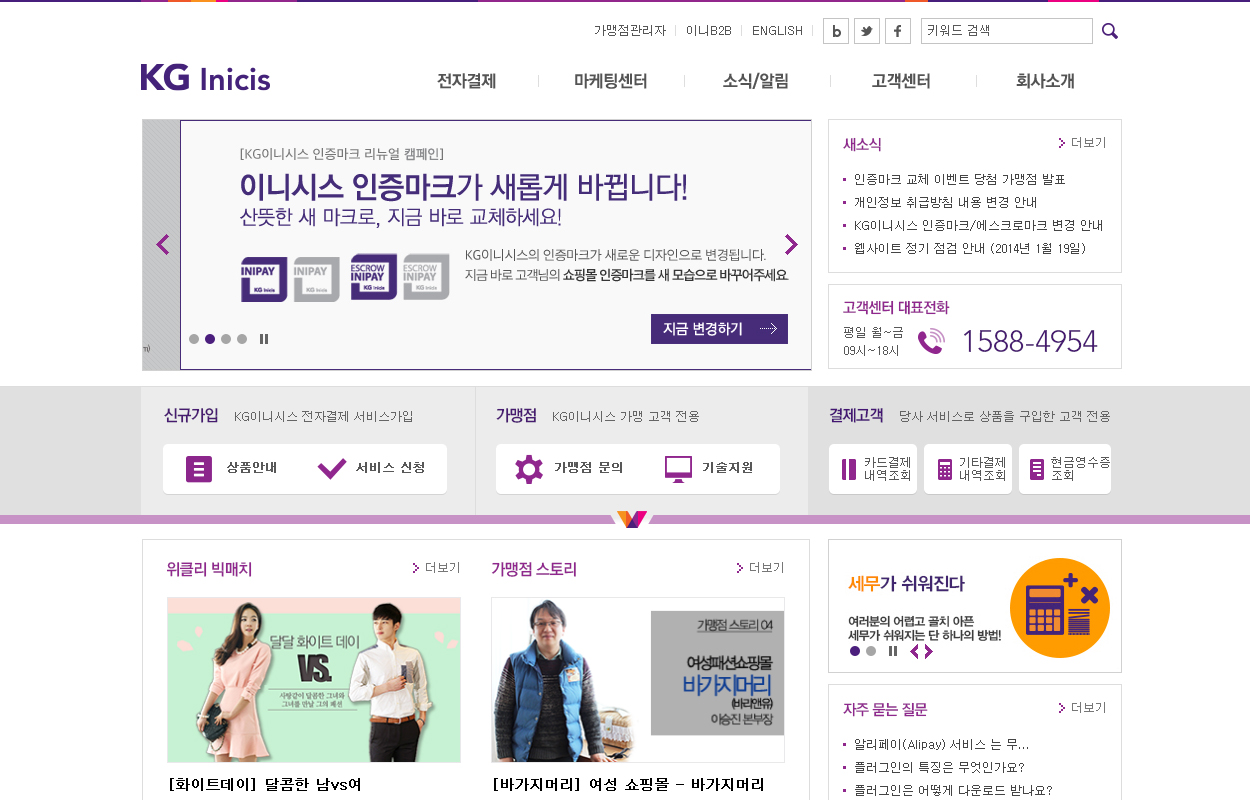
홈페이지 사용테마 : inicis

홈페이지 사용테마 : Avada
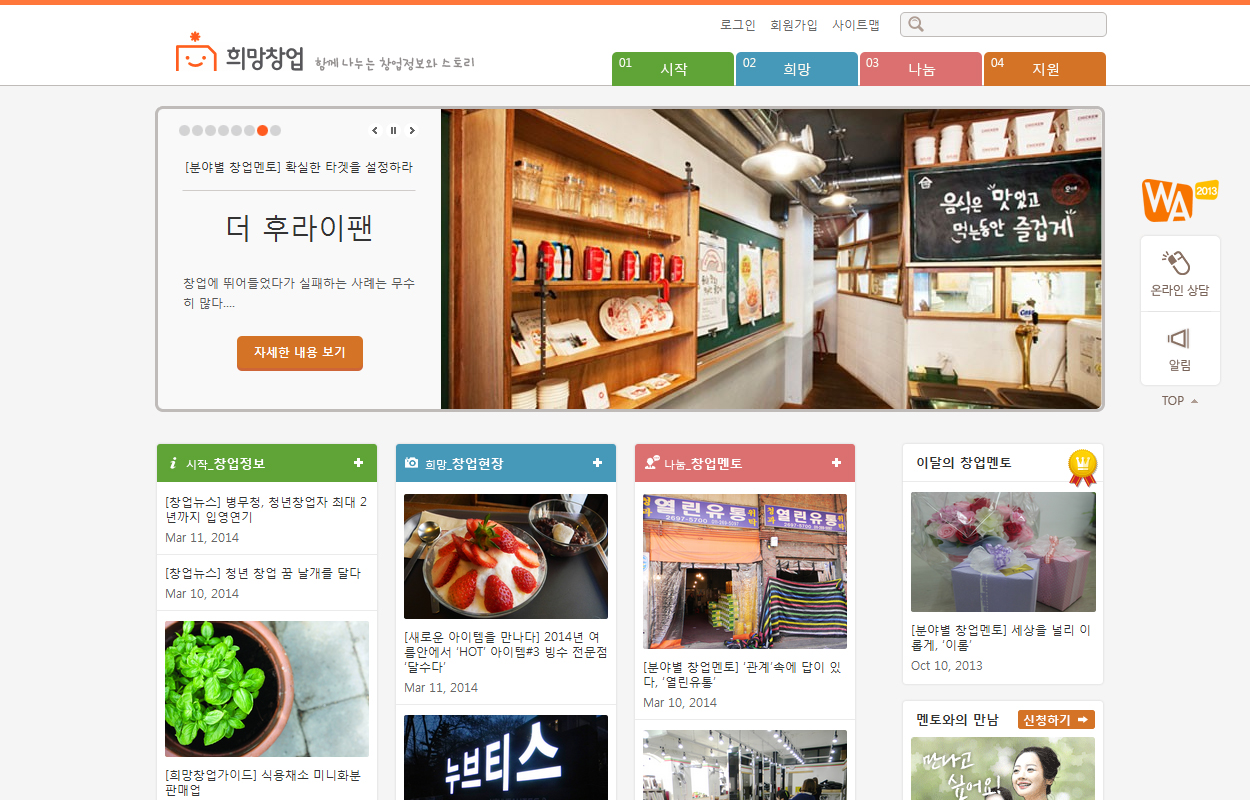
홈페이지 사용테마 : hopestart
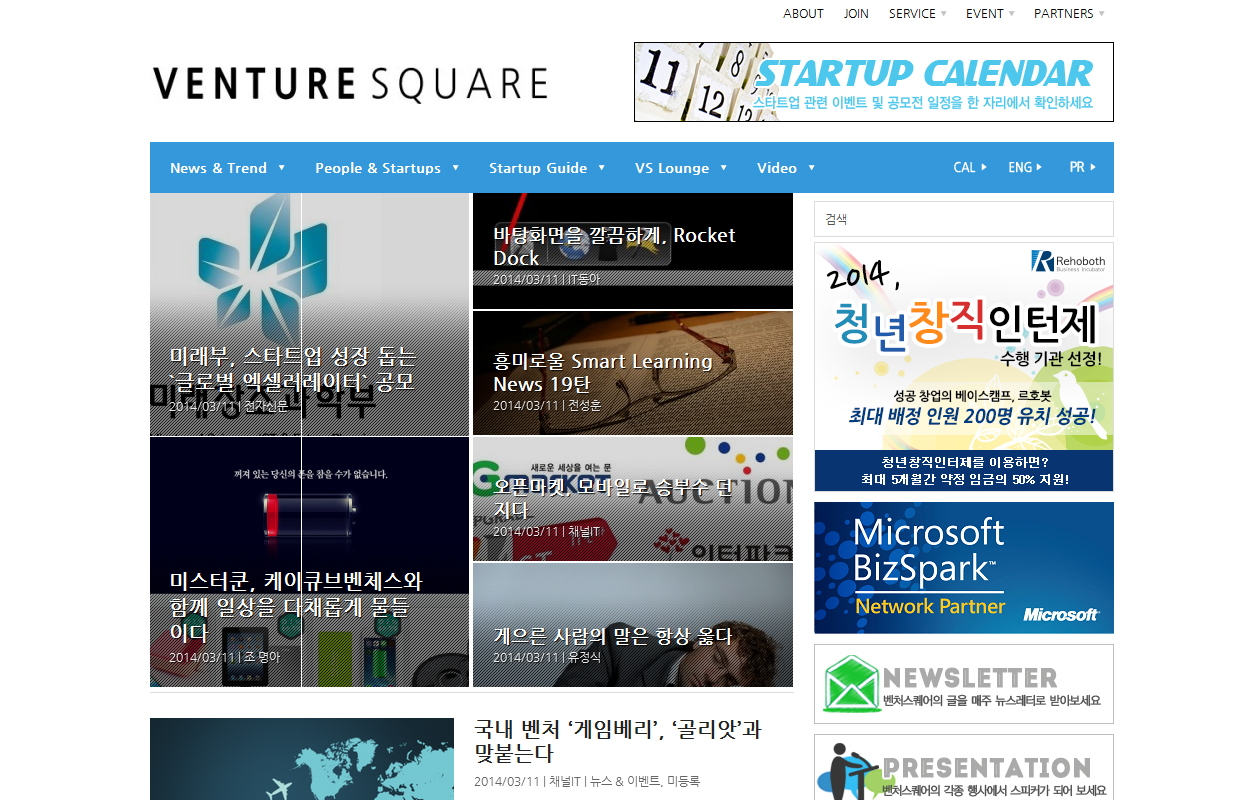
홈페이지 사용테마 : venturesquare
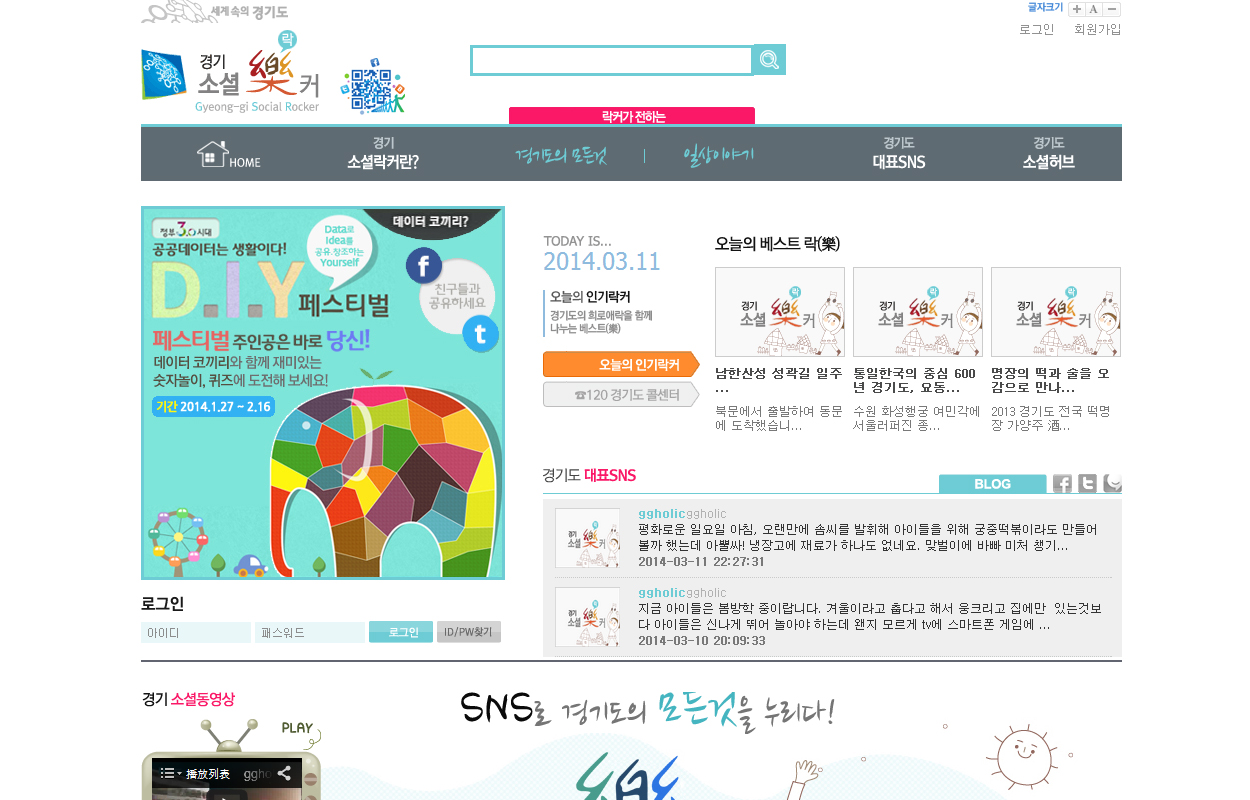
홈페이지 사용테마 : itgood
/wp-content/plugins/woocommerce/templates/cart/cart-empty.php화일의 해당 코멘트를 변경한다.
[button color=”blue” size=”medium” link=”#” target=”blank” ]한국에서의 워드프레스 쇼핑몰(우커머스)에 대한 결제 연동 모듈 개발 현황
[/button]
| 회사명(가나다순) | 지원PG | 가격 | 배포방법 | 모바일결제 | 홈페이지 |
| 서니사이드소프트 | PayGate | 무조건무료 | 자사Site | 가능 | https://github.com/sunnysidesoft/woocommerce-paygate |
| 스튜디오제이디 | PayGate | 무조건무료 | 자사Site | 가능 | http://studio-jt.co.kr |
| 아이비넷 | KCP | 조건부 무료 | Wp Site | ActiveX | http://www.ibnet.co.kr/ |
| 아진시스템 | KCP | 무조건무료 | 자사Site | ActiveX | http://www.ajinsys.com/ |
| 코드엠샵 | Inicis | 조건부무료 | 자사Site | ActiveX | http://www.wordpressshop.co.kr/비고:에스크로제공 |
| 플래닛에이트 | LGU+, PayGate |
15만원, 8만원 |
자사Site | PayGate가능 | http://www.planet8.co/ |
| 한테마 | KCP | 조건부무료 | 자사Site | ActiveX | http://hantheme.com/비고:지고샵도 가능 |
[box type=”success”]워드프레스 한국형 결제 플러그인은 한국 실정에 맞는 관련 커스마이징이 필수적이나 개발시에 누락되어 있는 경우도 있으므로 플러그인 선정시 유의하셔야 합니다.
[/box]
[box type=”info”]결제 플러그인을 테스트한 결과는 개인적인 의견은 기술적인 완성도나 개인간의 선호도에 의한 관점의 차이가 있을 수 있으므로 블로그 상에 밝히기는 어렵습니다. 꼭 필요하신 분만 필요한 환경이나 조건에 따라 아래의 “한국 워드프레스 개발자 클럽” 페이스북 그룹에 요청 사항을 포스팅 해주시면 답변해드리겠습니다.
FaceBook Group Page : https://www.facebook.com/groups/wpdeveloper/
[/box]
[button color=”orange” size=”medium” link=”#” target=”blank” ] 한국의 워드프레스 쇼핑몰(우커머스) 결제 연동 모듈 개발에 유용한 블로그.
[/button]
| 블로그명(기술적 완성도순) | 홈페이지 |
| 워드프레스 사이트에 결제모듈 연동하기 | http://usefulparadigm.com/2013/05/28/adding-custom-payment-gateway-to-wordpress-site/ |
 견적의뢰지금 연락 주십시요!